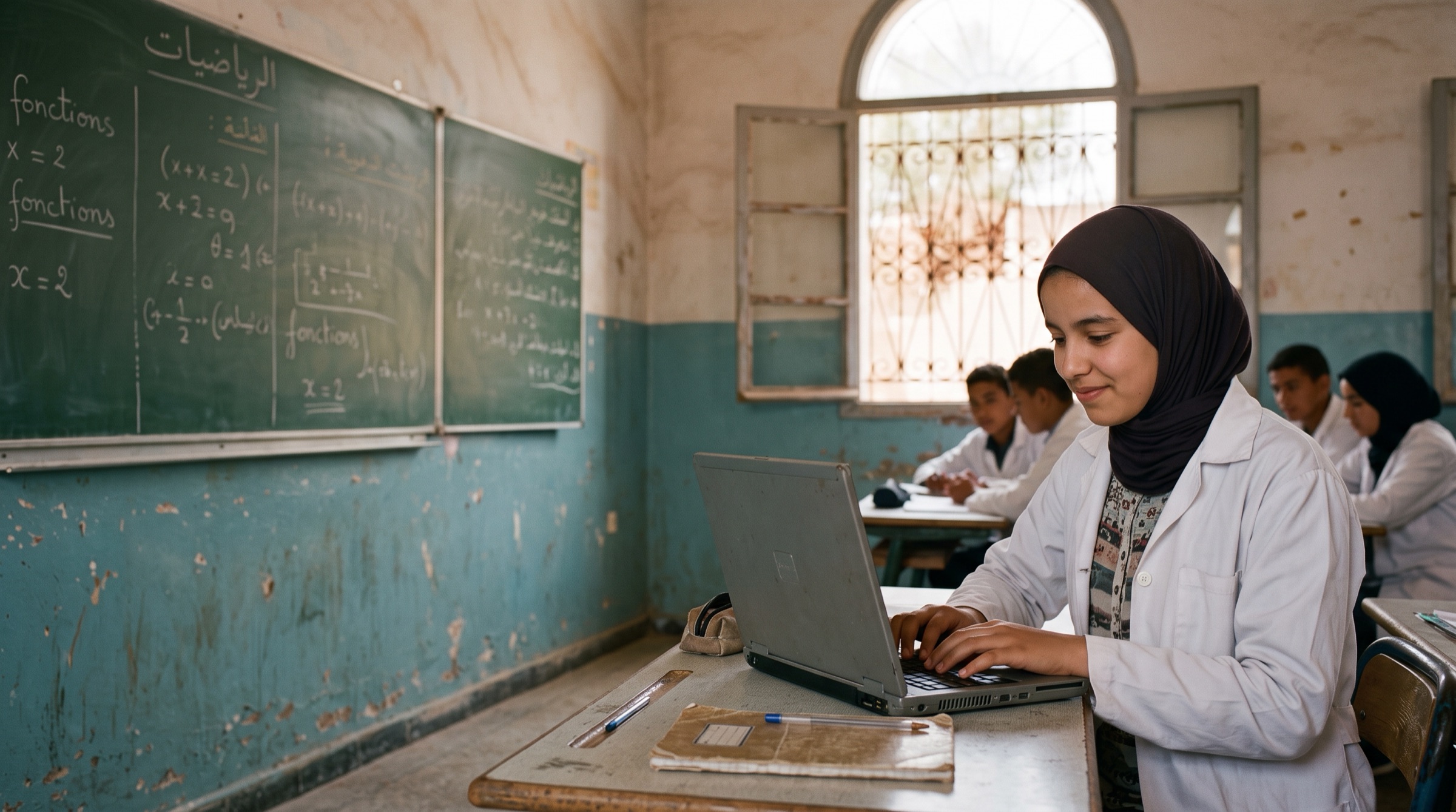
AI for every student who can’t pay for it.
People donate their computer’s spare power. It runs open AI models that answer questions for schools and causes, free.
Some people have power to spare, and some students have none. Tokens for Good is a small app that donates your computer’s spare power to schools and causes: while your Mac is plugged in, it runs an open AI model that answers questions for their students and teams, for free.

If you have a Mac
Donate compute.
Install a small app. Whenever your Mac is plugged in and awake, it runs an open AI model that answers questions for schools and causes. It works quietly in the background.
- It gives while plugged in. On battery it pauses by itself. When your Mac sleeps, it waits.
- You stay in charge. Click the heart in your menu bar and choose Pause or Resume, any time.
- The app never shows you their questions. Only that your Mac helped. Your dashboard shows which causes.

If you are a school or a cause
Apply for compute.
Get free AI for your students or your team, on open models: for questions, writing, translating and summarising, in the AI tools you already use.
- Free for schools and causes. A monthly budget, no seats, no plan per person.
- Works where you already are. Use an API key, or connect Claude or ChatGPT to hand them heavy text work so your plan lasts longer.
- Clear about privacy. The donor’s app never shows what your people ask. Sensitive work only goes to donors under contract.
From a school’s question to a spare computer, and back.
Students and teams ask in the AI tools their school or cause already uses. The difference is where the answer comes from: a computer someone has lent while they don’t need it.
Step 1
A school applies
A school or a cause tells us who it is and what its people need. We review every application, starting with a few, close to home.
Step 2
It gets free AI in its own tools
A monthly budget on open models, through an API key, or through Claude and ChatGPT for heavy text work. Nothing to pay, no account per student to buy.
Step 3
A donor’s computer answers
Each question goes to a donated computer that is plugged in and awake. The model runs there, and the app never shows the donor what was asked.
Step 4
The answer goes back
The answer comes back to the student. The donor gets a heart that beat a little while it helped.
A student asks. A spare computer answers.
With an API key, it looks to the student like any AI answer, in the tool their school uses. Behind it, the answer is written by a donated computer.
- The student asks. In writing, in an AI tool their school has set up with a Tokens for Good API key.
- A donated Mac answers. Plugged in, running an open model on the Mac itself.
- Each side sees only what it needs. The donor’s app shows a heart beat, never the question. The student never sees whose computer answered.
Tokens for Good in your school’s AI tool
Example: API keyHow does a plant cell make its own food? Explain it simply for my biology poster.
Plant cells make food by photosynthesis. Inside each cell are chloroplasts, small green parts that use sunlight to turn water and carbon dioxide into sugar, giving off oxygen as they go.
For your poster: sunlight + water + carbon dioxide → sugar + oxygen.
Answered by a donated computer
Every hour you give is an hour a student can ask.
While your Mac is plugged in, it answers questions from schools and causes, even while you work, and the heart in your notch beats while it does. It gives while your Mac is awake. When it sleeps, it waits. Here is one example day.
An example day, giving while plugged in
ExamplePlugged in and awake, it gives. On battery it pauses; asleep, it waits.
Plugged in
It gives while your Mac is plugged in. On battery it pauses by itself, by default.
Awake, not asleep
It gives while your Mac is awake. When it sleeps or the lid is closed, it waits.
Pause any time
Click the heart in your menu bar and choose Pause or Resume. While paused, it takes no new questions.
Never more energy than good Being decided
The rule we are working towards: it should only run when the help it gives is worth more than the energy it uses. Efficient chips like Apple silicon do the most with the least.
Your Mac stays yours. Their questions stay theirs.
Only text, no content kept
The model reads a question and writes an answer, nothing more. It does not open files or apps on the donor’s computer. We never store or log what is asked or answered.
Private, and honest about it
The app never shows donors the questions, and students never see whose computer answered. The donor’s computer does read the text to answer it, so on the open tier, schools and causes send only everyday, non-sensitive text. Sensitive work goes only to trusted donors under contract.
Being built now
Stronger isolation between the model and the rest of the donor’s computer.
In progress
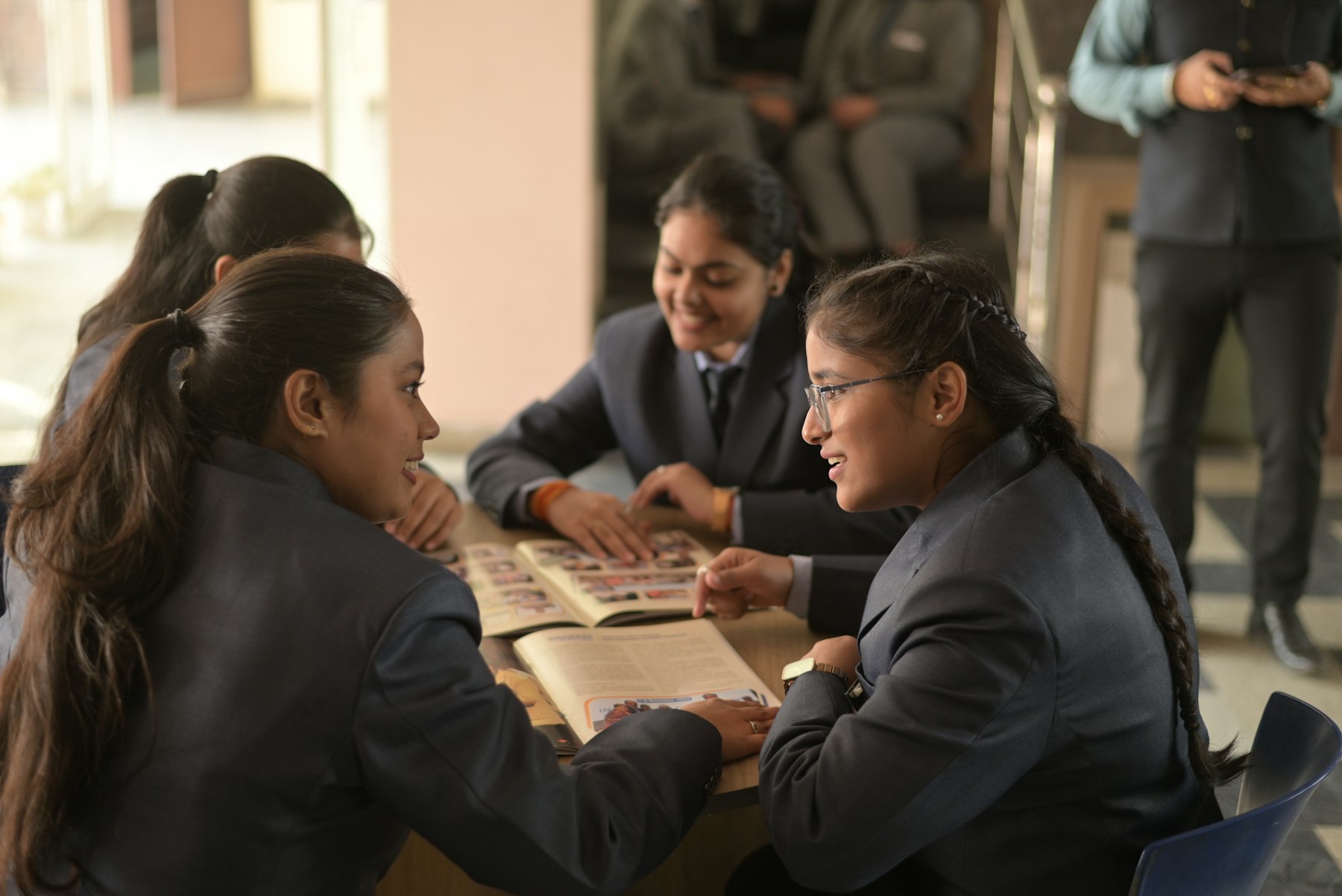
Spare power on one side. A student on the other.
Give what your computer doesn’t need, or ask for what your school or cause can’t afford.